How to Collect Photos from a Summer Neighbourhood BBQ?
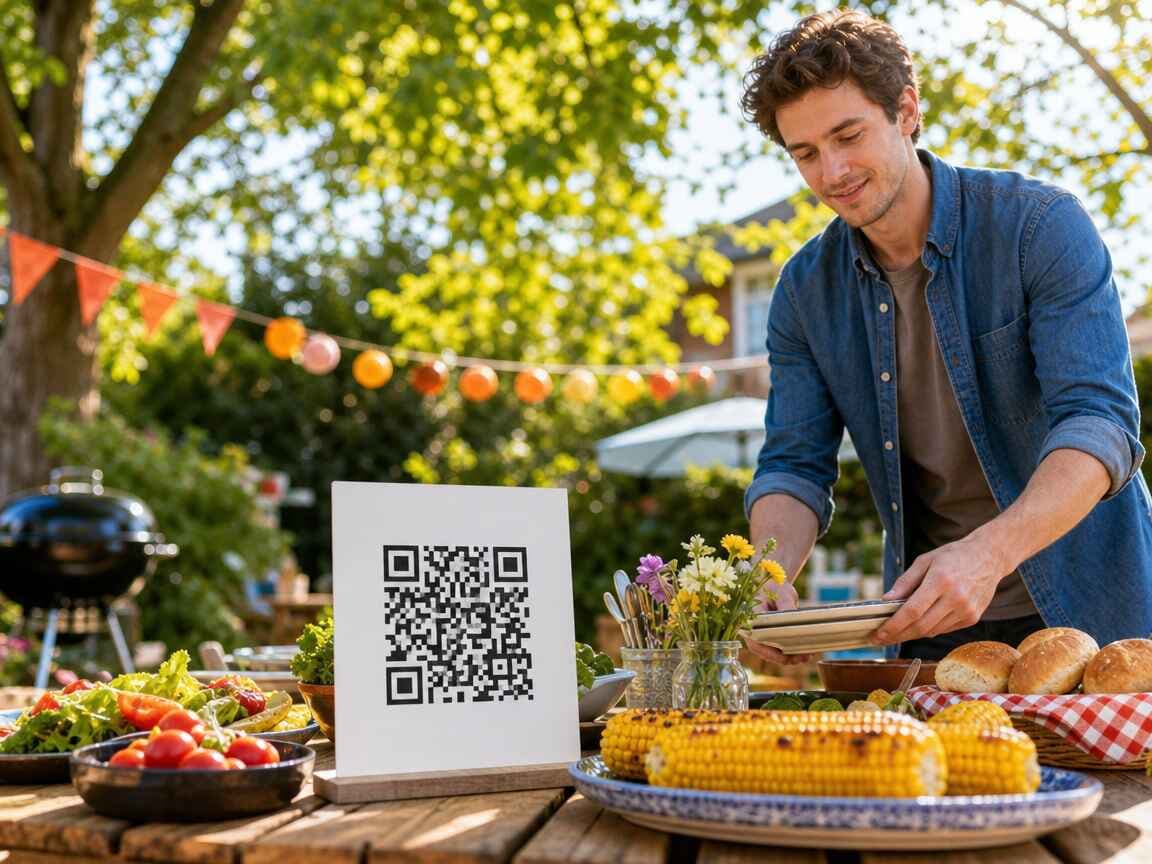
Picture a Saturday afternoon on a shared patch of grass between two rows of houses. The food has a plan; BBQ photo sharing does not. Someone has brought folding tables, the first batch of sausages is already darker than planned, and the neighbour who said "I won't stay long" has settled into the best chair.
Phones come out all afternoon. One person photographs the food before anyone touches it. Someone else catches the dog making a successful raid on an unattended plate. Six people take the group photo, which means the only person missing from every version is whoever agreed to hold the phones.
By Sunday, those pictures sit in separate camera rolls and chat threads. Photo collection rarely goes wrong because nobody took pictures; it goes wrong because nobody gave them one obvious place to put them.
The easiest time to collect neighbourhood photos is while the neighbours are still there.
Every Barbecue Has an Organiser
Nobody may have used the word "organiser." Still, one person invited the neighbours, found enough chairs, checked the weather four times, and remembered that the vegetarian food needs its own corner of the grill.
That person usually inherits the photos too.
The familiar plan is to ask everyone to post their pictures in the neighbourhood WhatsApp group. It works for the first few uploads. Then a discussion about a missing serving spoon starts, somebody sends a sticker, and the best group photo disappears twenty messages above a debate about Monday's bins. Messaging apps are good at conversation; they make poor event archives.
You could chase people afterwards, but that turns a pleasant barbecue into the same job described in Stop Chasing Photos, only with more smoke in your clothes.
Make the Album Before You Light the Charcoal
Set up one shared album before anyone arrives. In Partoska, you create an event, then get a QR code and a link for guests. They open the page in their phone browser and choose the photos they want to upload.
No one needs to install an app for a Saturday barbecue. Guests don't need matching phones either; the browser upload works across common devices, as explained on the features page.
Give the event a plain name such as "Oak Street Summer BBQ" or "Courtyard Barbecue 2026." People should recognise it immediately when the page opens. A clever title can wait until the second annual barbecue, when the event has somehow acquired a committee and matching aprons.
Create the event before printing anything. Then scan the printed code with your own phone and upload a test picture. Checking the paper version matters because low ink, rough paper, a shiny sleeve, or a code printed too small can turn a ten-second upload into an outdoor IT support desk.
Give Neighbours Two Ways to Find It
Use the QR code at the barbecue and put the direct link in the neighbourhood chat.
The printed code catches people while they are taking pictures. The chat link helps the neighbour who remembers at breakfast that they took twelve photos of the improvised football match. Both routes lead to the same shared BBQ photo album, so you don't have to rebuild the afternoon from several places.
Keep the message short:
Taking photos today? Scan the card or use this link to add them to our shared barbecue album.
Send it once before the event, then mention it again while people are eating. Daily reminders will make everyone mute the group, including you.
Where to Put a QR Code at an Outdoor Party?
Outdoor events have no reception desk and people rarely stay in one place. A single sign tied to the gate will be invisible five minutes after arrival.
A QR code for party photos only works when guests see it, so treat placement as part of the setup rather than decoration.
Put small QR cards where people pause repeatedly:
- At the drinks table. People return there throughout the afternoon and often have a phone in hand.
- Near the food, but away from the grill. Heat, grease, spilled drinks, and smoke are poor design partners.
- On the main seating table. Use a small stand or tape the card down so the first gust doesn't send it into the potato salad.
- By the entrance or garden gate. This gives late arrivals a chance to notice it without asking what everyone else is scanning.
For a barbecue spread across several gardens, repeat the code in each area. Every copy can point to the same event. The guide to printable QR code cards for event photos covers card sizes and printing in more detail.
Weather deserves a little thought. Slide the cards into clear table stands, clip them to a board, weigh down the corners, or cover them with transparent tape while keeping the code flat. And test them in daylight. A code that scans perfectly under your desk lamp may glare inside a shiny plastic sleeve outdoors.
Ask While the Photos Are Fresh
People upload when the request arrives at the right moment, not because the sign uses beautiful typography.
Make one casual announcement when the first round of food is ready: "If you take any photos, the QR code by the drinks puts them in our shared album." That is enough. Nobody came for a product demonstration.
Another useful moment comes shortly after the group photo. People already have their phones open, and the picture is sitting at the top of each camera roll. Ask them to add it before everyone wanders back to the food.
Don't save the request for cleanup. Once the folding chairs go away, uploading becomes a chore that competes with showers, tired children, washing up, and finding somewhere to put the leftover coleslaw.
Keep a Neighbourhood Album Neighbourhood-Sized
A shared barbecue sits somewhere between a private party and a public event. You may know everyone there, but that doesn't mean every candid picture belongs on Facebook.
Keep the Partoska event private and share the link only with the invited group. The organiser can review uploads and remove unwanted pictures before deciding what gets shared elsewhere. This matters when children appear in photos or when somebody uploads an expression that was funny for half a second and deserves no longer life.
Set the expectation in plain language: the album is for the people who attended, and nobody should repost pictures of other families without asking. Software can control access; neighbours still need decent manners.
Turn Favourites into a Tiny Photo Vote
Partoska lets people mark favourite photos. Use that for a low-stakes "photo of the barbecue" vote after the event.
Possible categories include best food photo, funniest harmless moment, most committed lawn-game performance, or the group shot where nearly everyone has their eyes open. Offer the last untouched dessert, first choice at next year's grill, or no prize at all.
The vote gives neighbours a reason to look through the album, while the favourites give the organiser a quick shortlist for a recap. Keep it light. A dispute over photographic judging is a silly way to damage relations over a garden fence.
Monday Should Take Five Minutes
Once the barbecue is over, the organiser can review the favourites and remove anything that shouldn't stay. Every signed-in guest can download the full collection as a ZIP or, after connecting Google Drive or Microsoft OneDrive once, export it there with one click from the app. If the barbecue becomes an annual event, keep each final collection in the neighbourhood's usual cloud, NAS, or local archive, then create a fresh Partoska event next summer.
Partoska handles collection. Your own storage can handle the years that follow.
That separation also stops one endless album from turning into a muddle of old and new pictures. "Summer BBQ 2026" is much easier to find than a folder called "Shared photos final new 2."
Is This Too Much for a Small Barbecue?
For four friends who already share one chat, probably. Send the pictures normally and get back to the food.
For a dozen neighbours using different phones, with several families taking photos throughout the afternoon, one upload point saves work. The setup stays small: create the album and print a few cards; one link in the neighbourhood chat covers later uploads.
If the gathering is mainly one family celebrating someone, the guide to birthday party photos has more relevant advice for that kind of guest list.
The free starter tier gives you 25 MB for seven days, which makes it useful for testing the flow before the barbecue. If the group uploads more photos or needs longer access, choose a larger option from the pricing page.
Set It Up Before Someone Finds the Lighter
Create the album while the drinks are cooling. Print the QR code, put it where people will see it more than once, and share the link in the neighbourhood chat. After that, your main technical problem should be deciding who brought the speaker and why it is playing their entire liked-songs library on shuffle.
Create Your Neighbourhood BBQ Album
FAQ
How do I collect photos from everyone at a neighbourhood BBQ?
Create one event album before the barbecue, then share its QR code at the gathering and its direct link in the neighbourhood chat. Guests upload from their phones into the same collection.
Do neighbours need to download an app?
No. Partoska opens in the phone browser, so guests can scan the QR code and upload without installing an app for one afternoon.
Where should I put a photo-sharing QR code at an outdoor party?
Place it where people return or pause: the drinks table, main seating area, food table, and entrance. Keep it away from heat, tape it down or use a stand, and test the printed code outdoors.
Can the neighbourhood BBQ album stay private?
Yes. Keep the event private, share access only with invited neighbours, and review or remove uploads before sharing any pictures more widely.
Should I use the QR code or the neighbourhood WhatsApp group?
Use both for different jobs. Put the QR code at the barbecue for immediate uploads, then place the direct album link in the chat for anyone who wants to add photos later. Keep the actual files in the album instead of burying them between messages.
Can I download all the BBQ photos together?
Yes. Every signed-in guest can download the collected photos as a ZIP or export them with one click to a connected Google Drive or Microsoft OneDrive account.