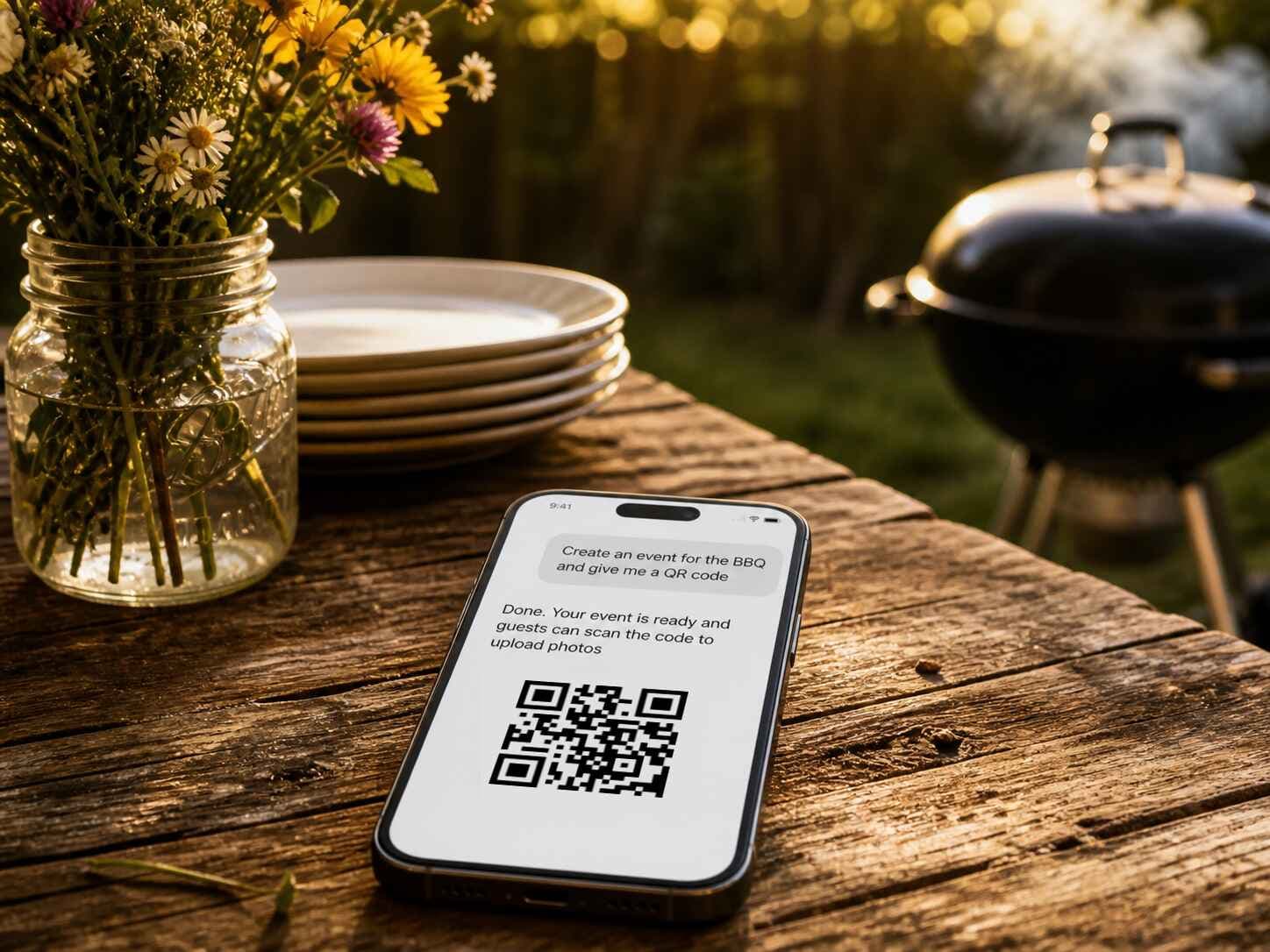
You're already in ChatGPT, halfway through planning a backyard barbecue. So you type:
Create an event named Linden Yard BBQ and give me an invite QR card.
A few seconds later the answer comes back. Event created, invite link ready to paste, and a printed-looking card in the chat with a scannable QR code on it. Bunting across the top, some flowers along the bottom, "Share your photos with us!" in the middle. Download it, print it, prop it next to the grill or drop it into the group chat.
Partoska is a great photo-sharing service for events, and it's now published in ChatGPT's plugin directory. You can create an event, get a printable QR card, collect photos from your guests and browse what they uploaded without leaving the chat window. It works on ChatGPT's free plan, and your guests never need an account or an app.
Add the Partoska plugin to ChatGPT.
Already have it enabled? Then just send the prompt above (it lands in ChatGPT ready to send).
Why we bothered?
Every photo-sharing tool for events assumes you'll come to its dashboard. That means: log in, click Create Event, fill the form, find the QR menu, download the file, open your mail client, paste the link. 🥱 Seven steps, none of them hard, but all of them a detour from wherever you were actually working.
But the planning typically doesn't happen in a dashboard. It happens in an AI chat window at 10:40pm while you're still arguing about how many sausages to buy for that many people. If the assistant that's helping you plan the thing can also set up the photo album for it, the detour disappears.
Back in April we shipped a command-line interface for people comfortable in a terminal. In here, a ChatGPT app for event photos is that same plumbing with the terminal taken out.
What you can do in one message?
Type it the way you'd say it out loud. Some examples that work:
"Create an event for Saturday's wedding and give me a QR code guests can scan." Try it
The event gets created and a widget appears in the chat with the event name, the guest count, and a QR code big enough to scan straight off your screen. There's a download button on it and an "Open in Partoska" link if you'd rather finish in the web app.
The reply also spells out what it just did, which matters more than it sounds. The event comes out private and moderated with you as the admin, and the invite link sits right there in the message, ready to paste. Private means only people with that link get in. Moderated means guest uploads wait for your approval before anyone else sees them, which is what you want at a company party and what you'll switch off in one sentence for a family one.
"Make me a print-ready card for the tables, something that suits a garden party."
You get a preview of the invite card, right inside the chat, design switcher included. Built-in designs cover birthdays, sports matches, corporate events, garden parties, weddings, and a few louder ones for parties that need neon. Pick a look, choose A4 or Letter, choose the full-page sign or the business-card size for putting one at each place setting, then download the PDF. We wrote about why the printed card matters more than the software a while back, and nothing about that has changed. The QR has to be somewhere people physically are.
"Show me what people uploaded to the summer party."
The gallery opens in the chat. One photo at a time, arrows on both sides, a star to favourite the good ones and a download button for the originals at full quality. The count sits at the top so you can see how many guests actually came through.
"Add these photos to the christening album."
A picker appears, you choose your files, they land in the event. Easy!
And when the album is moderated, "approve everything from yesterday" clears the queue without you opening a browser tab.
The dashboard still exists and still works. It just stopped being the only door.
Three ways to run the same event
| Web app | ChatGPT plugin | p6a CLI | |
|---|---|---|---|
| Best for | One-off events, full visual control | Setting things up while you're already planning | Recurring events and bulk backup |
| You need | A browser | ChatGPT, free plan included | A terminal |
| Setup | None | Enable once, sign in once | Install, then log in |
| Guests need | Nothing! | Nothing! | Nothing! |
Same account, same events, whichever door you use. Start something in the chat, finish it on the web, back it up from a cron job at 3am. Nothing gets translated between them.
Now imagine your mail is connected too
This is the part that made us want to write the post.
ChatGPT can talk to Gmail or Outlook. It can also talk to your calendar and your files. Partoska is now one more thing in that same list, which means the assistant can hold every part of a job that used to need several apps and a lot of copy-pasting in between.
Imagine finishing the sentence differently:
Create a Partoska event for the reunion, then email the invite link to everyone who was on last year's thread.
Or:
Grab the ten favourited photos from the wedding event and send them to my mum.
We didn't build the Gmail half. OpenAI did, and every connector you add makes the next combination possible without anyone writing an integration for that specific pair. That's the actual point of the plugin directory, and it's why being in it beats having a better dashboard.
Your guests still do nothing
Worth being clear about, because "AI-powered" tends to make people nervous about what they're being asked to install.
Guests need no ChatGPT account. No Partoska account. No app. They scan the QR card on the table, their phone browser opens the event, they pick photos, done. Same as it's always been, and it works on any phone with a browser, including the battered one your uncle has refused to replace for six years. The full feature list is here if you want the details.
The plugin is for you, the organiser. Everything downstream of the QR code is unchanged.
Switching it on takes about a minute
- Open the Partoska plugin page in ChatGPT and enable it.
- Sign in to your Partoska account once, when it asks. Don't have one? Signing up is free and takes an email address.
- Mention Partoska in a message and describe what you want, or start from a ready-made prompt.
That's it. There's no configuration screen and nothing to install.
Using a different assistant, Claude or Grok for example? The MCP connector lives at https://api.partoska.com/mcp/v1 and speaks standard MCP, so anything that supports the protocol can connect to the same account.
What it costs?
Nothing changes on the pricing side: the free tier is a real free tier with no ads, no watermarks and full original quality, and everything above works through the plugin exactly as it does on the web. Free ChatGPT plan, free Partoska plan, a working QR card or link at the end of it.
Set up the next one while you're still thinking about it
The photos you lose are the ones from events where nobody set anything up until the morning after. Whatever's next in your calendar, whether that's a company sports day or a street barbecue, the setup now costs you one sentence in a chat you already had open.
Or add the plugin to ChatGPT and ask it to do the setup for you. With the plugin on, this link does it in one click.
FAQ
Do I need ChatGPT Plus for this? No. It works on the free ChatGPT plan, and Partoska has a free plan too.
What about my guests, do they need ChatGPT? No, and they don't need a Partoska account or an app either. They scan the QR code and upload from their phone browser.
Is this a plugin, an app, or an MCP connector? All three names describe it, which is confusing and not our fault. It's listed in ChatGPT's plugin directory, it's built on the Model Context Protocol, and the same MCP endpoint works with other AI assistants that support the protocol.
What can it actually do? Create and rename events, change dates, switch moderation and visibility on and off, upload photos and video, browse the gallery, favourite shots, approve pending uploads, and produce invite links, QR codes and printable cards.
Does ChatGPT get to see my guests' photos? Only what you ask it to show you. The gallery widget loads previews directly from Partoska rather than pulling every photo into the conversation, and nothing is public unless you make the event public yourself.
Can I still use the normal web app? Yes, and most people will. It's the same account and the same events, so you can create something in the chat and finish it on the web, or the other way round.
What happens to photos in a moderated event? Guest uploads stay hidden until you approve them. You can approve in the chat, one photo at a time, or in the web app if there's a pile of them.